01
Live Classroom
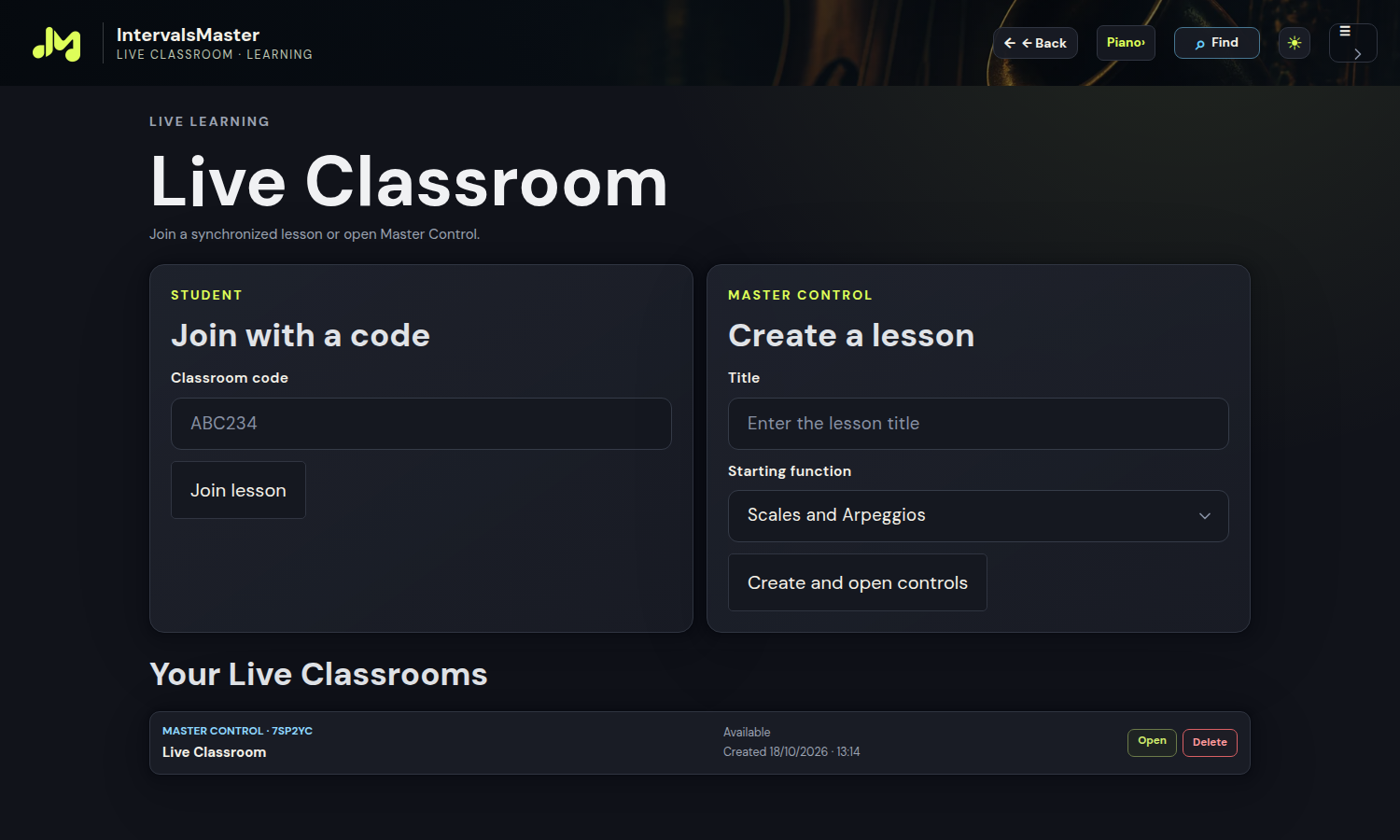
Create a lesson, choose a function and invite students.
EDU — Education
IntervalsMaster EDU is a workspace for music teachers who want to connect explanation, listening and practice. It includes Pro music features and adds Live Classroom, Master Control, lesson recording and Teacher Studio. Start with an interval, develop a chord progression and show the result on the instrument, keeping a clear connection between the lesson and subsequent practice.
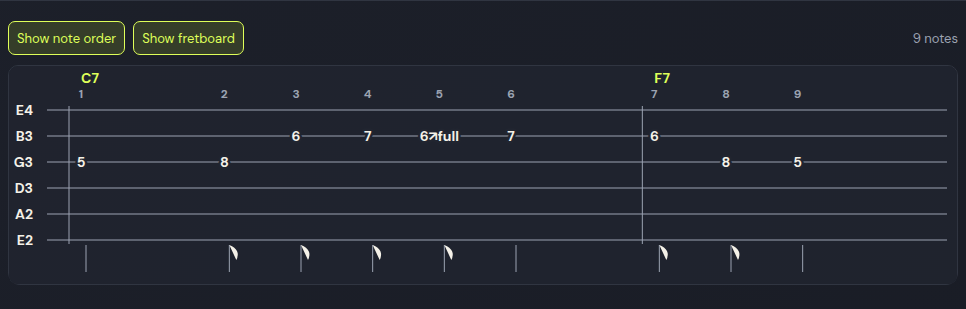
Fretboard, sequences and TAB In compatible study panels, use Show TAB to read guitar, bass, ukulele and bowed-string tablature with notes and chords. Show fretboard restores the instrument view. Your choice is saved and included in the study PDF.
Explore EDU →Share, record and replay.

In compatible study panels, choose the instrument view or TAB for guitar, bass, ukulele and bowed strings. TAB shows strings, positions and chords. Enable note order to follow each step: the fretboard uses reference points and a red tonic. Your choices persist and the PDF follows the selected view.
Create a lesson, choose a function and invite students.
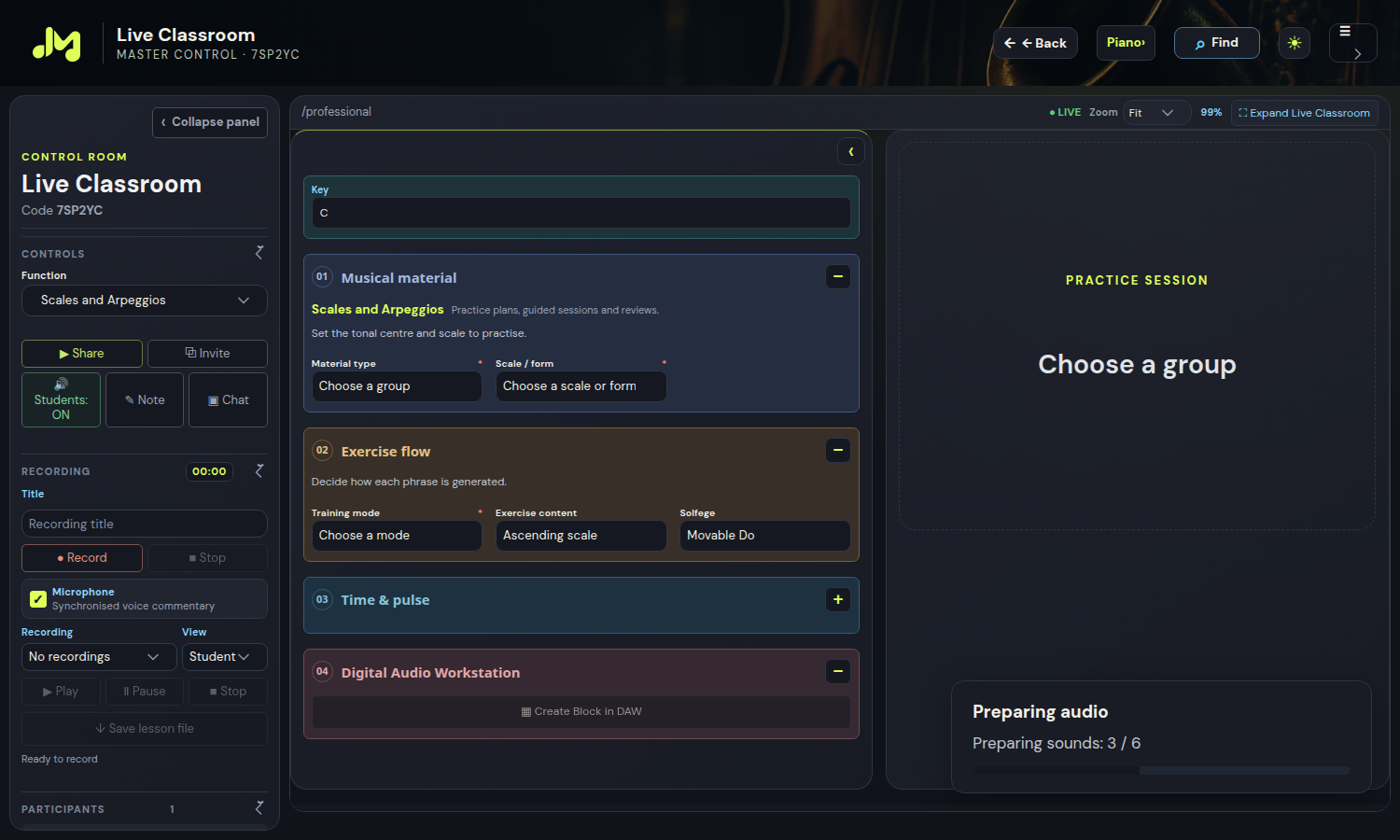
Sharing, audio, notes and recording in one compact control room.
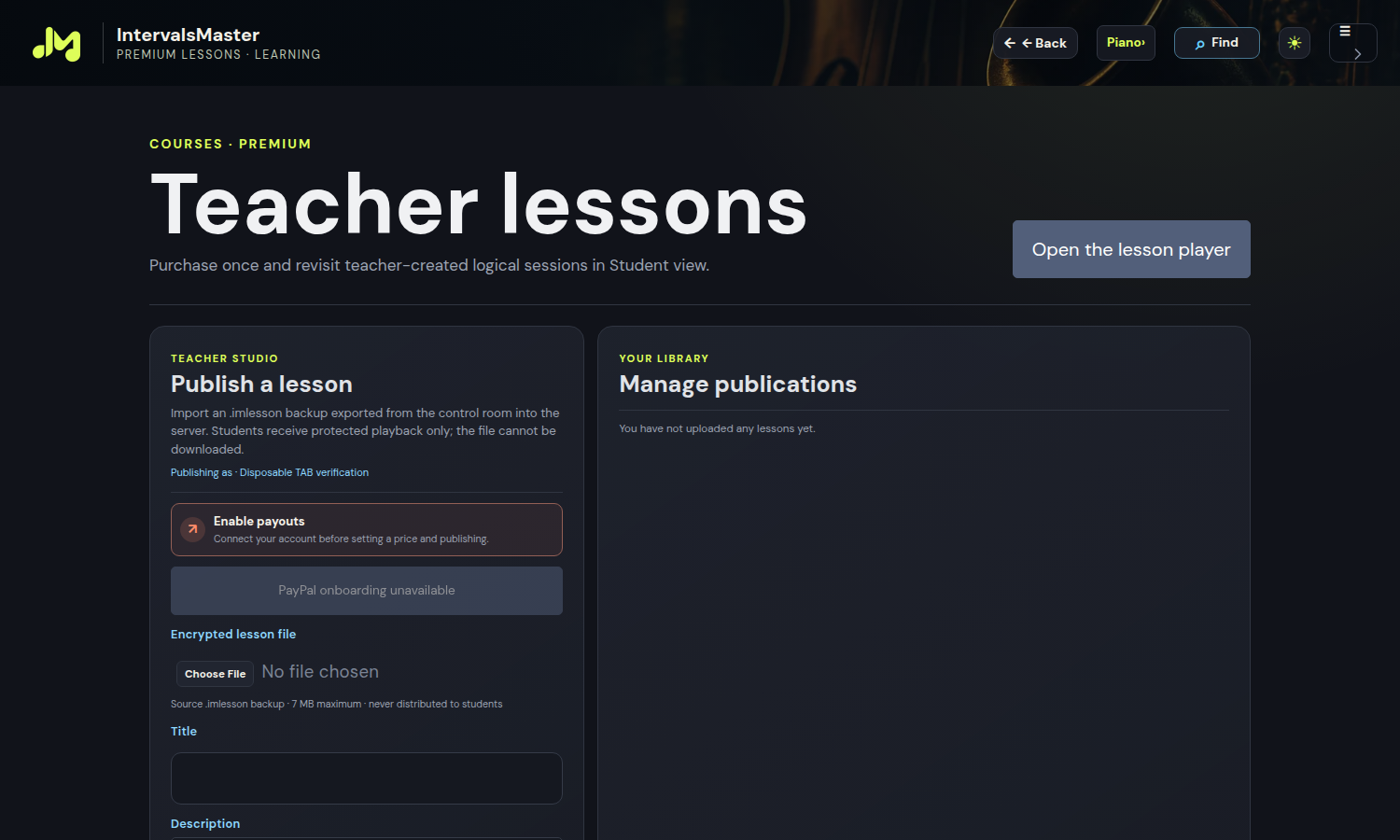
Publish protected lessons and manage your catalogue.
EDU is designed for individual lessons, sessions with several students and materials that can be revisited over time. Instrument teachers can combine practical demonstrations with note visualisation; harmony teachers can compare chords and resolutions; tutors can isolate a difficulty and prepare a focused exercise. In music school activities, the workspace helps teachers present the same topic to musicians with different instruments and levels.
The included Pro features let you work on intervals, scales, arpeggios, chords, inversions and progressions through the laboratories and composition tools. The teaching value comes from connecting what students read with what they hear and play. For example, introduce a II–V–I, listen to the voice movement and focus on the notes that change between chords. Changing key or instrument then lets you examine the same principle in a different context.
With Live Classroom, teachers create a lesson, choose a function and invite students to join. The shared workspace lets participants follow the musical material guided by the teacher instead of reconstructing each step from a verbal explanation. Introduce a concept, change its parameters and discuss the result with the class. Use it for a short demonstration or a session focused on a specific goal, such as recognising intervals or understanding the role of chord tones.
Master Control brings lesson controls together in a dedicated workspace. Teachers manage sharing, audio, notes and recording while controlling the musical presentation. This helps you alternate explanation and listening: show a passage, give students time to examine it and resume the demonstration when needed. The aim is to maintain continuity without losing the context of the exercise.
Logical recording preserves session events and musical steps for playback in the player. The material becomes a reference for revision: students can revisit the demonstration and listen again to the passages that need attention. The teacher’s voice can accompany the recording when the browser supports microphone recording and permission is granted. Logical recording reconstructs the lesson in the application; it is not a video recording of the room or screen.
Teacher Studio is the space for organising and publishing protected lessons. Give your material a title, describe its purpose and prepare a lesson catalogue for students. Premium lessons have their own purchase and playback flow: access to an individually purchased lesson is separate from a platform subscription. Commercial publication requires the PayPal seller account setup provided by the service. Teachers remain responsible for the content they choose to publish.
Before the session, choose the key and material to explore. During the lesson, play the progression, show the chord tones and draw attention to voice movement. Invite students to recognise a resolution and repeat it on their own instrument. Record a focused demonstration explaining what to notice and share the material for revision. In the next session, revisit the principle in another key or with a different voicing: the learning path stays consistent while the musical difficulty increases.
EDU includes Pro music features and adds dedicated teaching tools: Live Classroom creation and management, Master Control, lesson recording and sharing, and Teacher Studio. Pro supports musical study and creation; EDU extends that work to teaching and learning together.
Joining a shared lesson and holding a personal licence are separate forms of access. An invitation lets students follow the shared context under the classroom’s access rules; independent use of features depends on each account’s access. An invitation does not automatically activate EDU for every participant.
Explore the images and descriptions on this page, then sign in and check the subscription section for available options and terms. If you are organising activities for several teachers or a school, review individual account requirements before activation. Current terms are those shown in the subscription flow.
Start with a concrete goal: explain a scale, clarify a voicing or prepare a progression to practise. Use EDU to connect material with demonstration, preserve useful steps and give students a reference they can revisit after the lesson.
View EDU optionsMasters modules are independent educational interpretations. No affiliation with or endorsement by the artists, their estates or publishers is implied.
Choose your instrument: each module offers the families compatible with its musical material.
Electric bass · 5-string bass · Fretless bass · Slap bass · Double bass
Acoustic Guitar · Jazz guitar · Electric guitar
Soprano ukulele · High G · Soprano ukulele · Low G · Bass ukulele · U-bass
Drums
Piano · Electric piano · Organ · Analog synth · Strings · Brass
Trumpet · Trombone · French horn · Tuba
Flute · Oboe · Clarinet · Alto saxophone
Viola · Violin · Cello · Double bass (bowed)