01
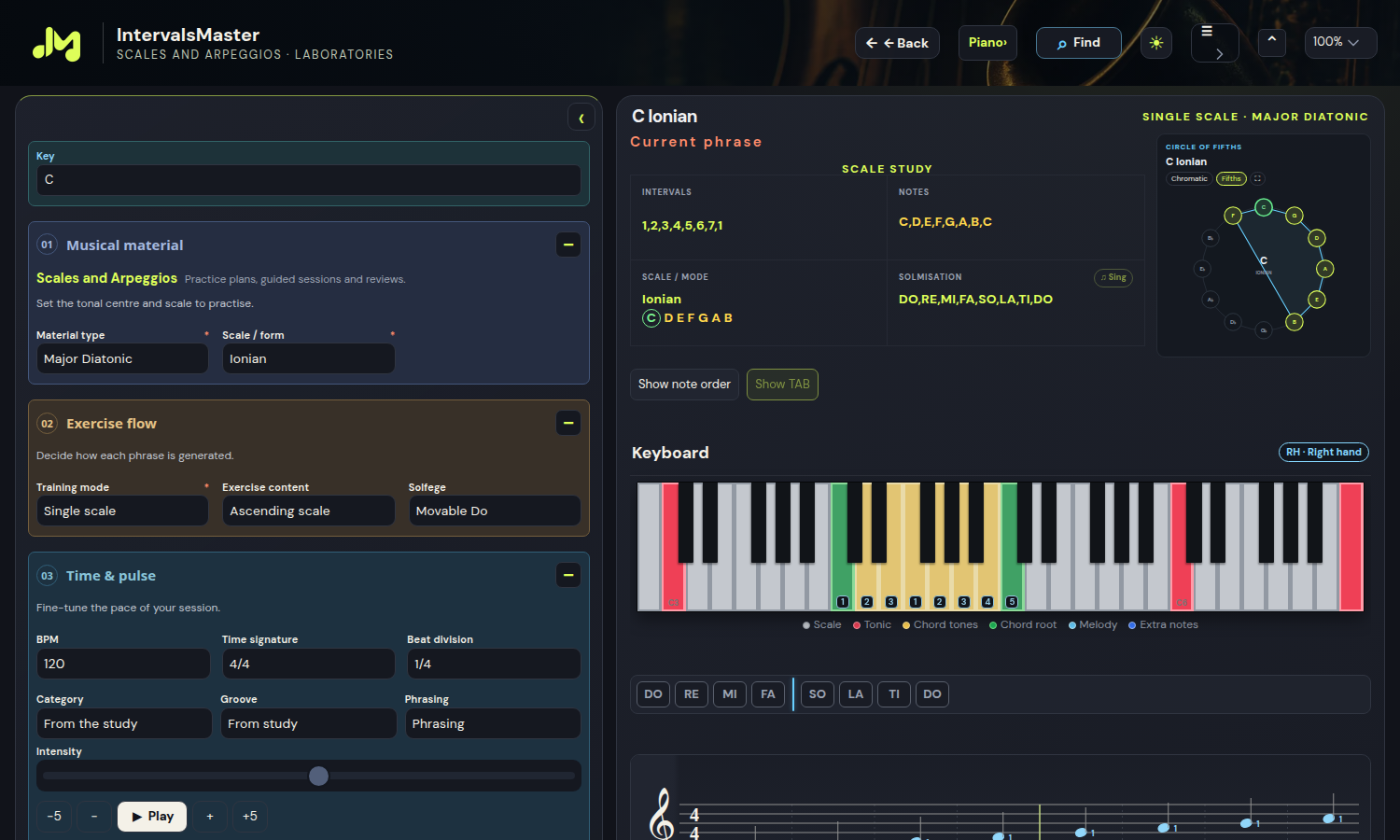
Scales and Arpeggios
Alterations, quartal structures and complete combinations.
Pro — Professional
IntervalsMaster Pro is a workspace for musicians who want to bring practice, listening and creation together. From basic intervals to harmonic progressions, explore musical material in the laboratories, see it on your instrument and turn it into exercises, accompaniment and composition ideas. Scales, chords, grooves and the DAW belong to the same workflow: choose a topic, hear how it works and build something you can play.
Fretboard, sequences and TAB In compatible study panels, use Show TAB to read guitar, bass, ukulele and bowed-string tablature with notes and chords. Show fretboard restores the instrument view. Your choice is saved and included in the study PDF.
Discover Pro →Import, edit and play.

In compatible study panels, choose the instrument view or TAB for guitar, bass, ukulele and bowed strings. TAB shows strings, positions and chords. Enable note order to follow each step: the fretboard uses reference points and a red tonic. Your choices persist and the PDF follows the selected view.
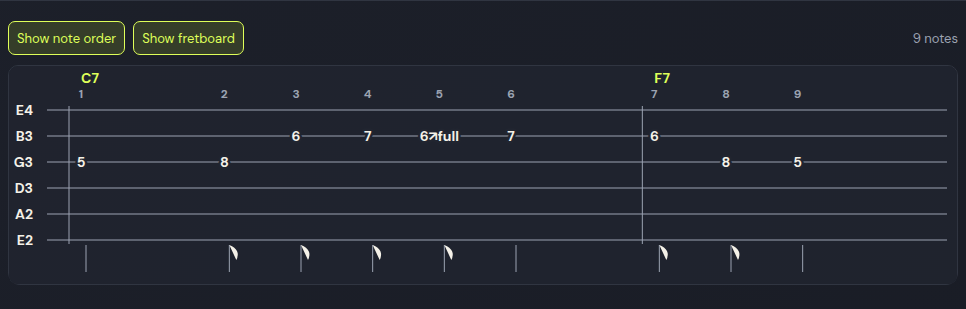
Alterations, quartal structures and complete combinations.
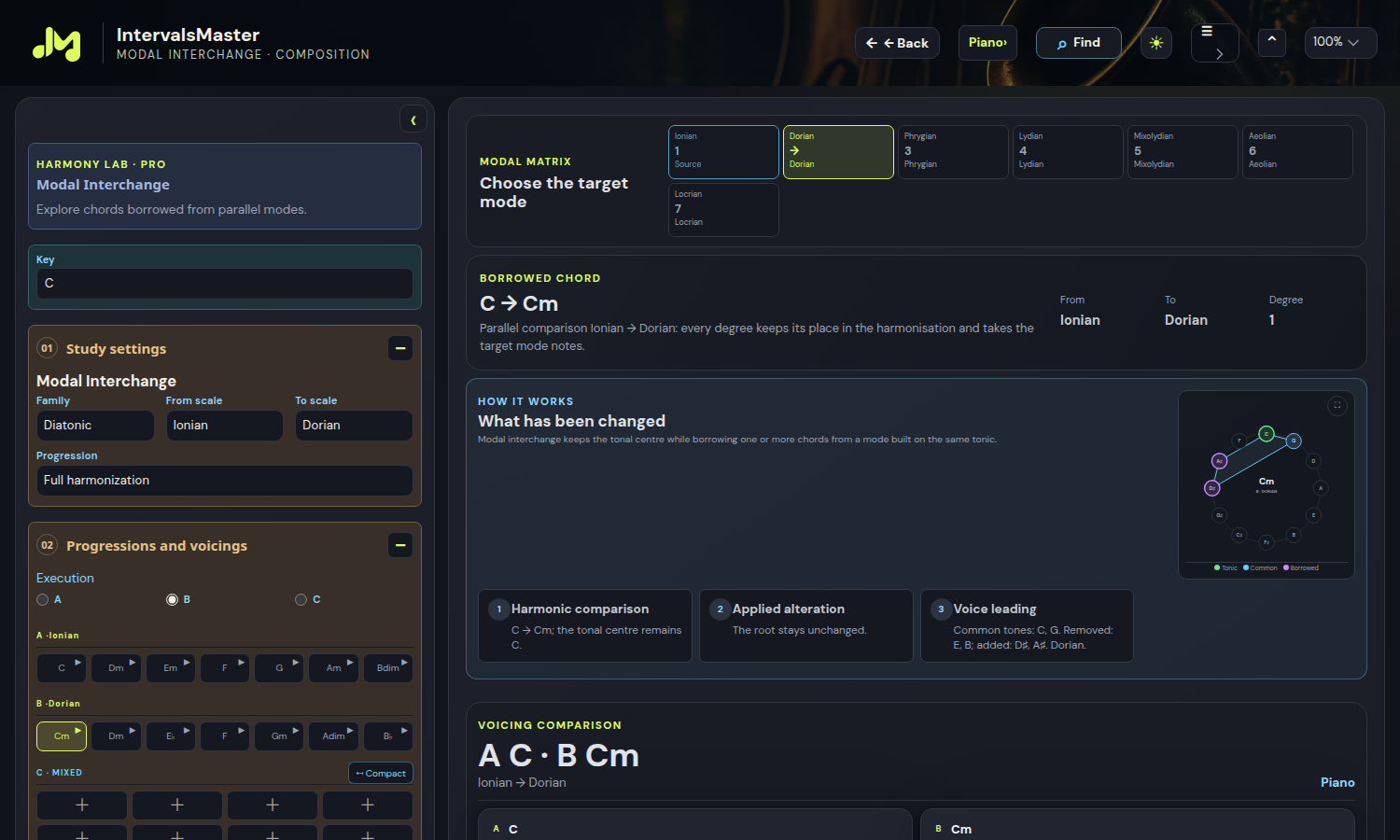
Modal borrowing, comparisons and voicings in one laboratory.
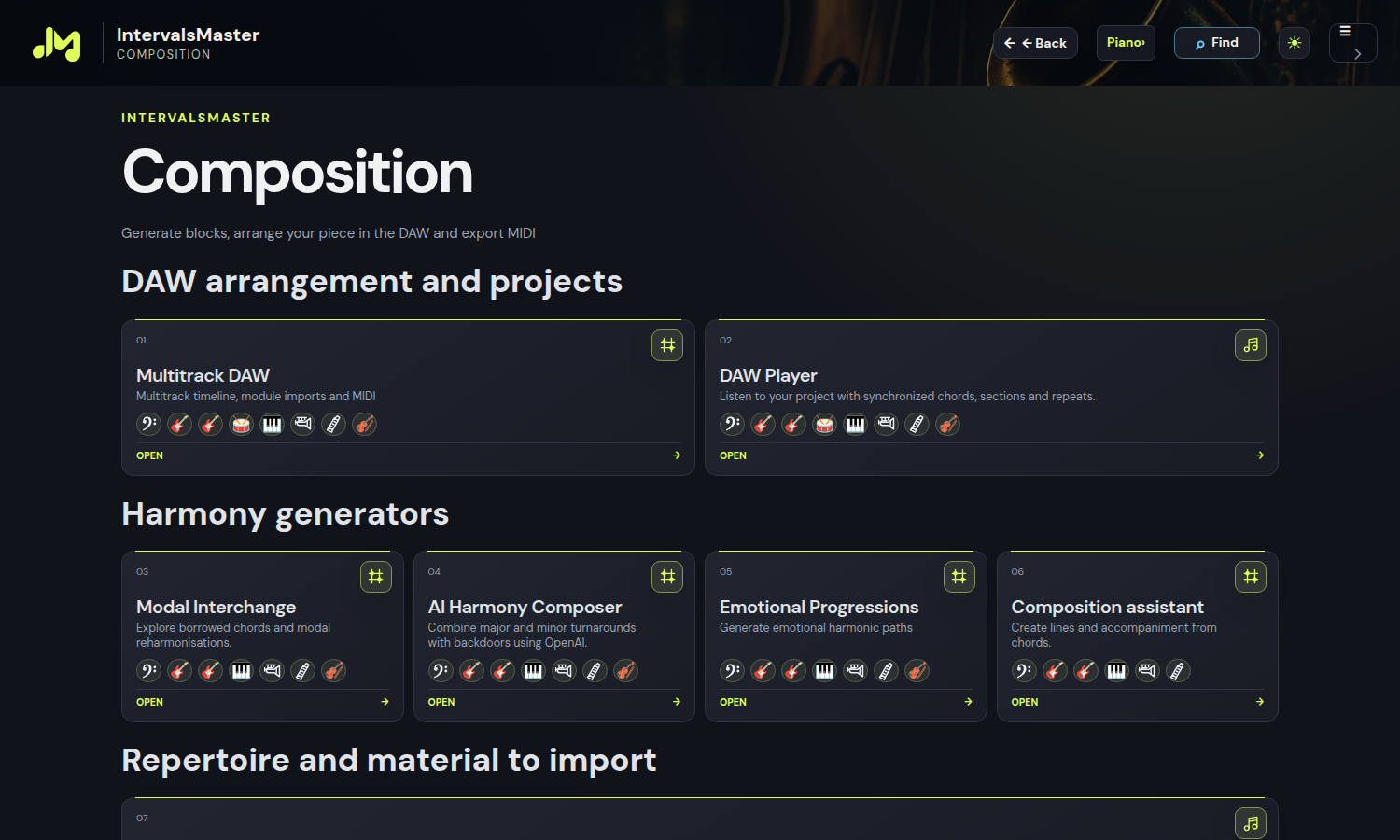
Create and reuse personal rhythmic articulations.
Pro is designed for musicians who want to explore their instrument, understand harmony more deeply or prepare original material. Use it for a short session focused on a specific difficulty or to develop a more elaborate idea. Pianists can compare chord voicings; guitarists can explore connections between positions; bassists can work on passing notes and the movement of a line. Your musical goal is the starting point, without a mandatory sequence of screens.
The laboratories let you start with the building blocks of musical language and connect them. Choose the key, material and exercise settings, then compare what you read with what you hear. Repeating a scale becomes more useful when you recognise its intervals, identify chord tones and try connecting them into a phrase. Dedicate a session to an arpeggio, a melodic movement or a scale family, then revisit the same topic in other keys.
The harmony tools let you explore how a chord’s character changes with its voicing and how individual voices connect to the next chord. Compare shapes and inversions, listen to resolutions and observe which notes remain common. The modal interchange laboratory provides a context for borrowed chords and reharmonisation. Go beyond the chord symbol by comparing several solutions and choosing the one that best supports the musical direction of your phrase.
Musical representations help you move from a theoretical idea to playing it on your instrument. On piano, see notes on the keyboard; on string instruments, read fretboard positions and work with settings supported by the laboratory. Visualisation and listening provide complementary references: recognise the sound, locate the notes and try playing the passage. Changing instrument gives you another perspective on the same material, while each function retains its own musical and instrumental capabilities.
Rhythm changes a phrase even when its notes stay the same. Shared controls offer grooves for chords, bass and arpeggios: jazz, blues, rock, pop, funk, soul, country, folk, reggae, Latin rhythms, dance and odd meters. Compare full chords, bass and response, and ascending or descending arpeggios. Phrasing and accompaniment have separate targets; intensity and settings persist. The Drum laboratory adds patterns across 15 genres, kits, fills and an editable grid: send the part to a dedicated DAW track.
When an exercise suggests an idea, continue working in the composition tools. Explore progressions and accompaniment, prepare musical blocks and arrange them in the multitrack DAW. The editor lets you work on parts and sections, listen to the whole arrangement and develop the form of a piece. iReal Pro import and available export features, including MIDI, connect this work with other materials and tools in your workflow. AI Harmony belongs to the composition area; features that depend on external services require the relevant configuration.
Start with a key and listen to a II–V–I progression. Identify the chord tones, compare two voicings and choose a voice movement you can follow by ear. Build a simple phrase around the notes you recognise and practise it slowly on your instrument. Change one element at a time: the key, an inversion, the rhythm or the accompaniment. When you find an interesting solution, develop it into a composition block and continue in the DAW. Practice can then produce your own material while making harmonic structures more familiar.
Start with intervals, scales and simple chords, then explore more involved tools as they become useful to your practice. The licence brings together different possibilities: choose one goal at a time and use listening and visualisation to check what you are learning. You do not need to use every feature immediately.
Pro focuses on personal musical practice and creation. EDU includes Pro features and adds tools for leading and sharing lessons: Live Classroom, Master Control, teaching recordings and Teacher Studio. If your main aim is practice and composition, explore Pro; if you need to guide students in a shared workspace, also read the EDU description.
Create an account or sign in to your existing one, then review the available options in the subscription section. Licence duration, pricing and terms are shown in the activation flow. Individual Premium lessons published by teachers have their own access and should be distinguished from features included in a Pro subscription.
A chord you want to understand, a scale you want to hear or a progression you want to transform can become the starting point of your next session. With Pro, connect these steps into a workflow where theory, instrumental practice and musical creation support one another.
Explore ProMasters modules are independent educational interpretations. No affiliation with or endorsement by the artists, their estates or publishers is implied.
Choose your instrument: each module offers the families compatible with its musical material.
Electric bass · 5-string bass · Fretless bass · Slap bass · Double bass
Acoustic Guitar · Jazz guitar · Electric guitar
Soprano ukulele · High G · Soprano ukulele · Low G · Bass ukulele · U-bass
Drums
Piano · Electric piano · Organ · Analog synth · Strings · Brass
Trumpet · Trombone · French horn · Tuba
Flute · Oboe · Clarinet · Alto saxophone
Viola · Violin · Cello · Double bass (bowed)