Laboratories and practice
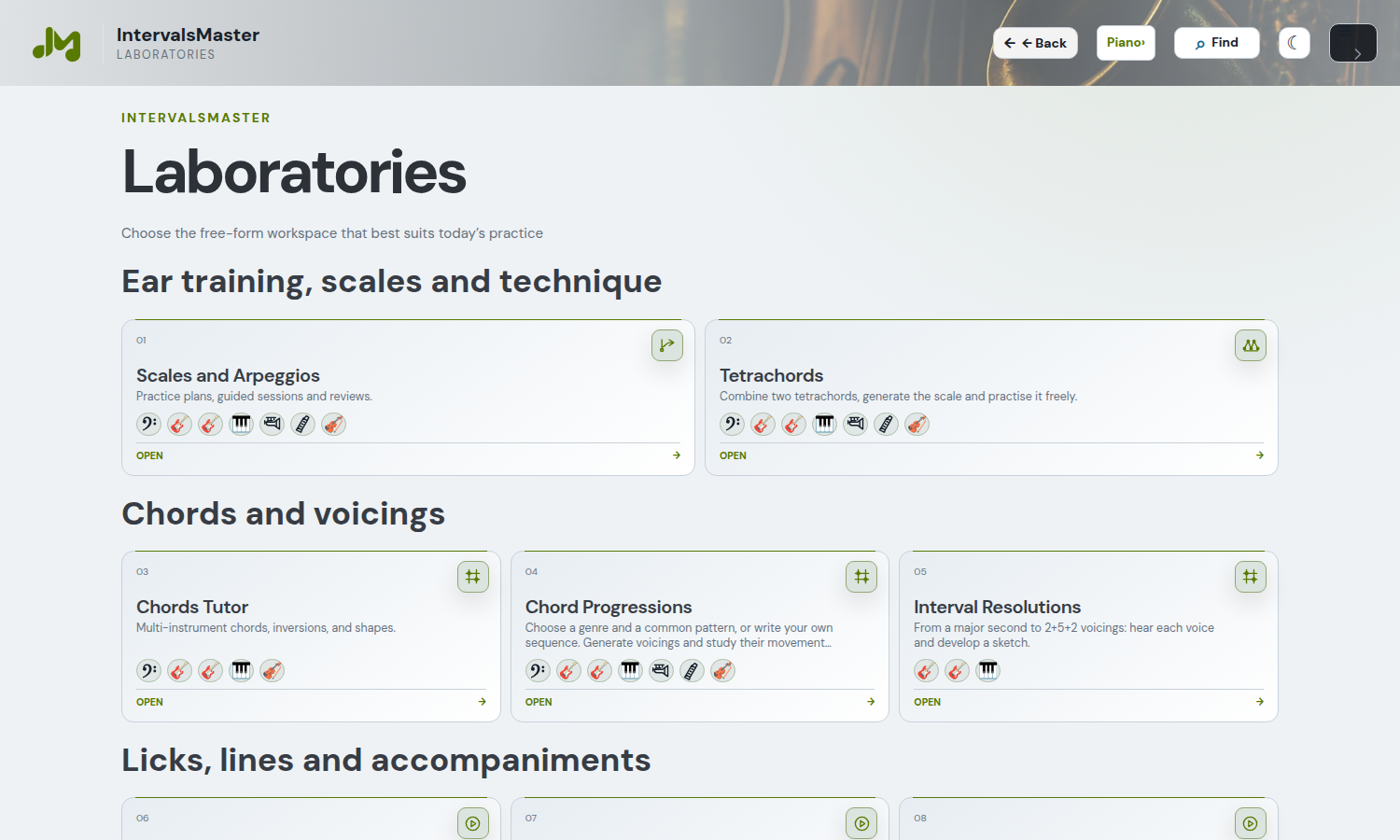
Scales and Arpeggios is the laboratory for generated and saved practice plans, guided sessions and reviews, using the shared player.
Scales and Arpeggios
Open Laboratories → Scales and Arpeggios. Choose instrument and material, then configure the study flow. Tutor sits immediately after that section: Setup opens duration, breaks and sequence. Generate new plan organizes five activities around the selected material: listening, intervals, solfege, performance and review. The default total is 20 minutes, including breaks.
Choose the instrument in Study settings in the header: guitars, basses, keyboards and soprano or bass ukulele, where compatible. The plan retains study settings, including box width and chord span. For guitar and ukulele, melody stays inside the box; a chord must have at least one note in the box and may extend up to the configured chord span. Account plans change only when Save is pressed.
The shared instrument selector’s Ukulele section offers high-G or low-G soprano and bass U-bass. These are distinct instruments: soprano uses G–C–E–A; U-bass uses E–A–D–G in the bass register. Options appear in compatible contexts. Audio, positions and preferences use shared components; U-bass follows monophonic bass exercises.
Start / Resume starts the timer and player using the panel’s repeat settings. Breaks stop the audio; the next block starts after the rest. Listen to Current plays only the current example, without starting the timer or advancing the session. Playback speed slows the audio without changing pitch or session duration. Setup lets you edit exercises, order and timings. How it works explains the method, active recall and spaced review. The same Tutor is available in Instrument Licks, excluding drums, after the study and playback controls.
The guide shows notes, intervals and solfege in a compact format. In sequences with harmonic groups, all three readings and the circle of fifths follow the current group: when moving C → F → B♭, the notes and root change together. The Tutor uses the scale, key and exercise settings selected in the panel. Older plans with fixed exercises are adapted to tasks on the selected material, preserving their order and durations; previous confidence ratings are cleared. Press Save to update the account copy.
Enter a plan name in the full-width field and press Save. Select a plan from the list and use Recall to restore its sequence and settings; Delete removes it from your account while preserving the open draft. Saving the same name updates the plan. Draft and progress persist in the browser; Save keeps the plan in your account for other devices. Reloading, switching language and recalling a plan never start audio automatically.
After practising, rate each exercise: Needs work suggests a review after 1 day, Fair after 3 days and Confident after 7 days. Dates and due exercises appear in Sequence and reviews. Save the plan after rating to keep the reviews in your account. No external reminders are sent.
Plans require a registered, verified account with an active Pro or EDU licence. Module access alone does not replace this requirement.
A practice routine
- Choose an exercise and its harmonic or melodic material.
- Select an instrument and a comfortable register or keyboard area.
- Read the phrase before playing it: identify its root, intervals and direction.
- Listen slowly and compare the sound with the display.
- Repeat the same phrase before generating another. With automatic playback, check the pause and repetition mode.
- Change one variable at a time: key, position, rhythm or range.
An exercise is more useful when you know what you are testing: interval recognition, reading, coordination, voice leading or familiarity with an instrument. Increasing speed and complexity together makes mistakes harder to diagnose.
How a Tutor session works
Exercises are not picked at random. Scales and Arpeggios builds five activities around the current material — listening, intervals, solfege, performance, and review — and the selected priority changes their order. Chords Tutor uses the Triads, Sevenths, or Mixed group; in Licks it selects a series of successive phrases available in the catalogue. With the same settings the structure stays the same, while the material, key, instrument, and catalogue determine what you study.
The stated duration includes practice and rests. In a standard 20-minute plan with five exercises and 30 seconds of rest, every block contains 3 minutes 30 seconds of work and a 30-second rest. At the end of work the audio stops; during recovery you can relax your hands and rate the exercise. When the rest ends, the next block is prepared and started automatically. The final rest is also included and is reserved for your closing assessment.
Before starting, the popup summarises duration, rests, selection logic, and the actual sequence. When you confirm, four metronome beats at the plan BPM prepare the entry into the first exercise. Generation also suggests a descriptive name based on plan type, duration, and key; you can edit it freely before saving.
Recording sessions and feedback
In the shared listening and recording panel, listen to the model, select your input and arm recording, allowing browser microphone access. Play the exercise after the count-in and listen back to your take. Use a clean input without accompaniment and route the click separately from the recorded signal.
Melody comparison assesses notes (60%), timing (25%) and intonation (15%). For chords it assesses pitch classes (75%) and change timing (25%): it does not judge octaves, inversions or individual voice intonation. Analysis runs locally and is approximate; noise, reverb, bends and legato can reduce accuracy.
The comparison Tutor repeats exercises below your selected threshold. Use the results to choose what to review, and distinguish this automatic feedback from study-plan self-ratings. To record a part over a backing track and retain it in your project, use Record audio in the DAW.
From practice to composition
When a feature provides a DAW button, you can reuse the material it exports. Not every exercise is a phrase editor: check the button and offered import mode. Choose a clear duration for an arrangement part and preserve rests that belong to the phrase.
Interval Lab: direction, chords and solmization
Open Laboratories → Intervals. Study the twelve intervals from minor second to octave, ascending or descending. Choose the key, interval and harmonic context to compare the pair of notes with the proposed chords. Positions follow the instrument settings; playback, notation and DAW transfer use the same material. The laboratory does not use reference songs.
Under Solmization choose Movable Do, to read syllables relative to the key, or Fixed Do, to associate them with note names. Syllables follow the notation and highlight during playback. The choice is shared with compatible studies and restores without starting playback.
Tetrachords
Open Laboratories → Tetrachords. Choose the first tetrachord from the tonic and the second towards the octave, then inspect the recognised scale. Set the instrument and common parameters in the header; musical material stays separate from instrument settings. Use the shared player and study tools to listen to and practise the result.
In compatible instrument panels, press Show TAB to read guitar, bass, ukulele and bowed-string tablature; Show fretboard restores the instrument view. Your choice is saved and the study PDF includes the selected view, with notes and chords.